How to unblock your blocked WhatsApp Business account?
TLDR: The fastest way to get unblocked
If your WhatsApp Business account is blocked, your quickest path is to read the ban notice, request an in-app review, and fix whatever triggered the restriction (spam, consent issues, unauthorized automation, impersonation, or policy violations). If the review fails, contact WhatsApp Business support and keep your messaging compliant while you wait.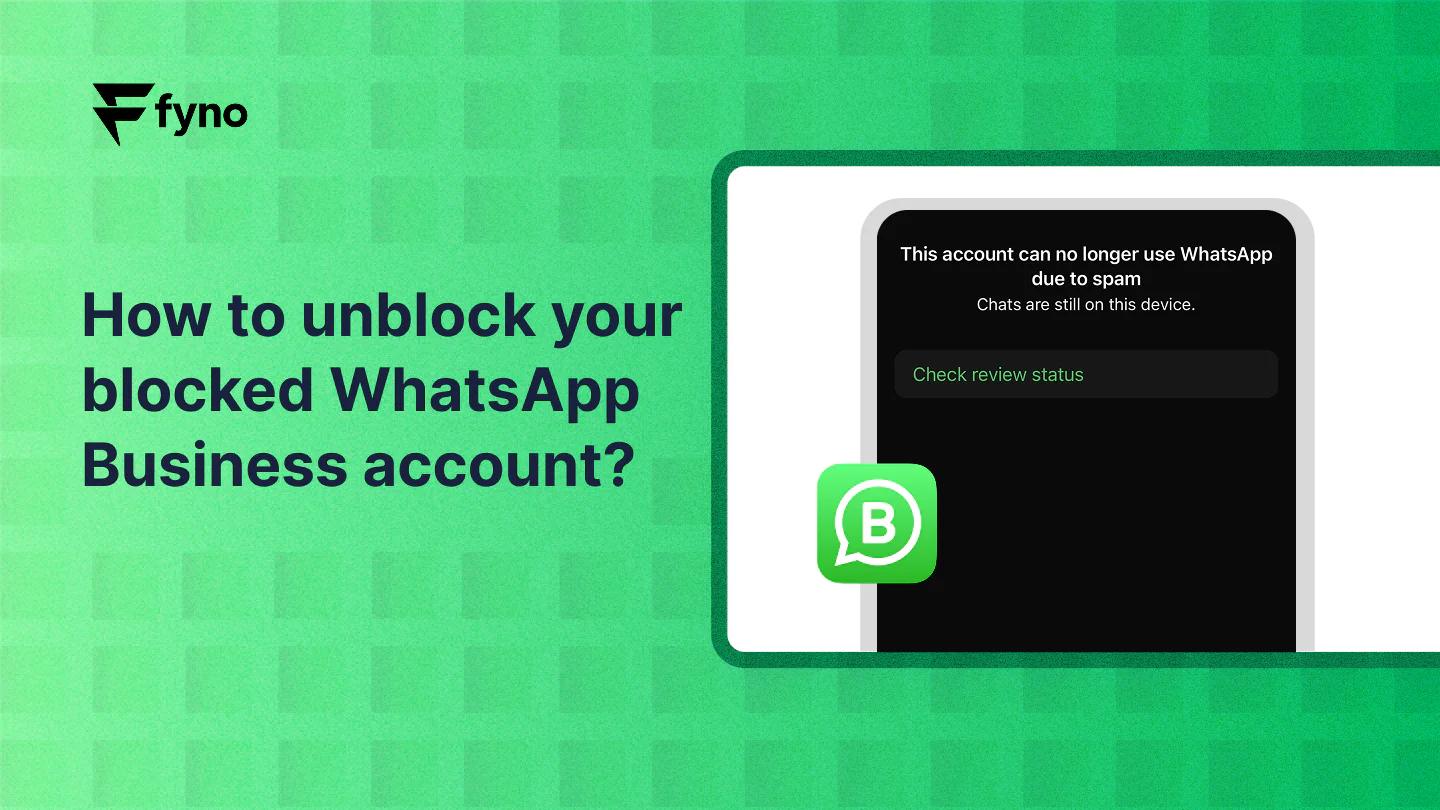
1. Understand the reasons for the ban
WhatsApp typically bans accounts for violating its terms of service. Common reasons include:
Sending bulk or spam messages without user consent.
Using unauthorized automation tools.
Impersonating another business or individual.
Receiving frequent reports from users.
Violating WhatsApp’s commerce policies or community standards.
Understanding why your account was banned is the first step to resolving the issue.
2. Check your whatsApp notification
When your account is banned, WhatsApp sends a notification explaining the reason. Carefully read the message to identify the problem.
3. Submit a Review Request
If you believe the ban was a mistake, you can request a review. Follow these steps:
Open the WhatsApp Business app.
Tap on the message that says your account is banned.
Select “Request a Review.”
Provide any required information and submit your request.
WhatsApp will review your case, which can take up to 24-48 hours. Be honest and provide all necessary details.
4. Contact WhatsApp support
If the review doesn’t resolve your issue, reach out to WhatsApp support:
Visit the WhatsApp Business Support page.
Provide details about your account and explain why you believe the ban is unfair.
Be polite and clear in your communication to expedite the process.
5. Analyze and address policy violations
While waiting for your account to be unblocked, review your messaging practices and ensure compliance with WhatsApp’s policies:
Obtain user consent: Always get explicit permission before messaging customers.
Use official tools: Avoid using unauthorized third-party tools or automation software.
Follow content guidelines: Ensure your messages are relevant, respectful, and adhere to WhatsApp’s guidelines.
6. Prepare for reinstatement
If your account is reinstated, take the following steps to prevent future bans:
Use WhatsApp templates: Send pre-approved message templates to maintain compliance.
Monitor user feedback: Address any negative feedback promptly to avoid user reports.
Educate your team: Ensure everyone involved in messaging understands WhatsApp’s rules and best practices.
7. Consider alternative strategies
While resolving your WhatsApp Business account issue, explore other communication channels to maintain customer engagement. Email, SMS, or social media platforms can serve as temporary solutions.
Conclusion
Getting your WhatsApp Business account unblocked may seem challenging, but with the right steps, it’s achievable. By understanding the reasons for the ban, adhering to WhatsApp’s guidelines, and improving your messaging practices, you can prevent future disruptions and ensure seamless communication with your customers.
Stay proactive and compliant to maximize the benefits of using WhatsApp for your business.