Why is my WhatsApp business number banned? A complete guide
TLDR: Why WhatsApp Business numbers get banned and what to do
If your WhatsApp Business number is banned, it’s usually because WhatsApp detected spam-like behavior, unauthorized automation, impersonation, policy violations, or repeated user reports. To recover, request a review in the app once, then audit your messaging: tighten opt-in, stop risky tools, and ensure messages are relevant and compliant before you restart outreach.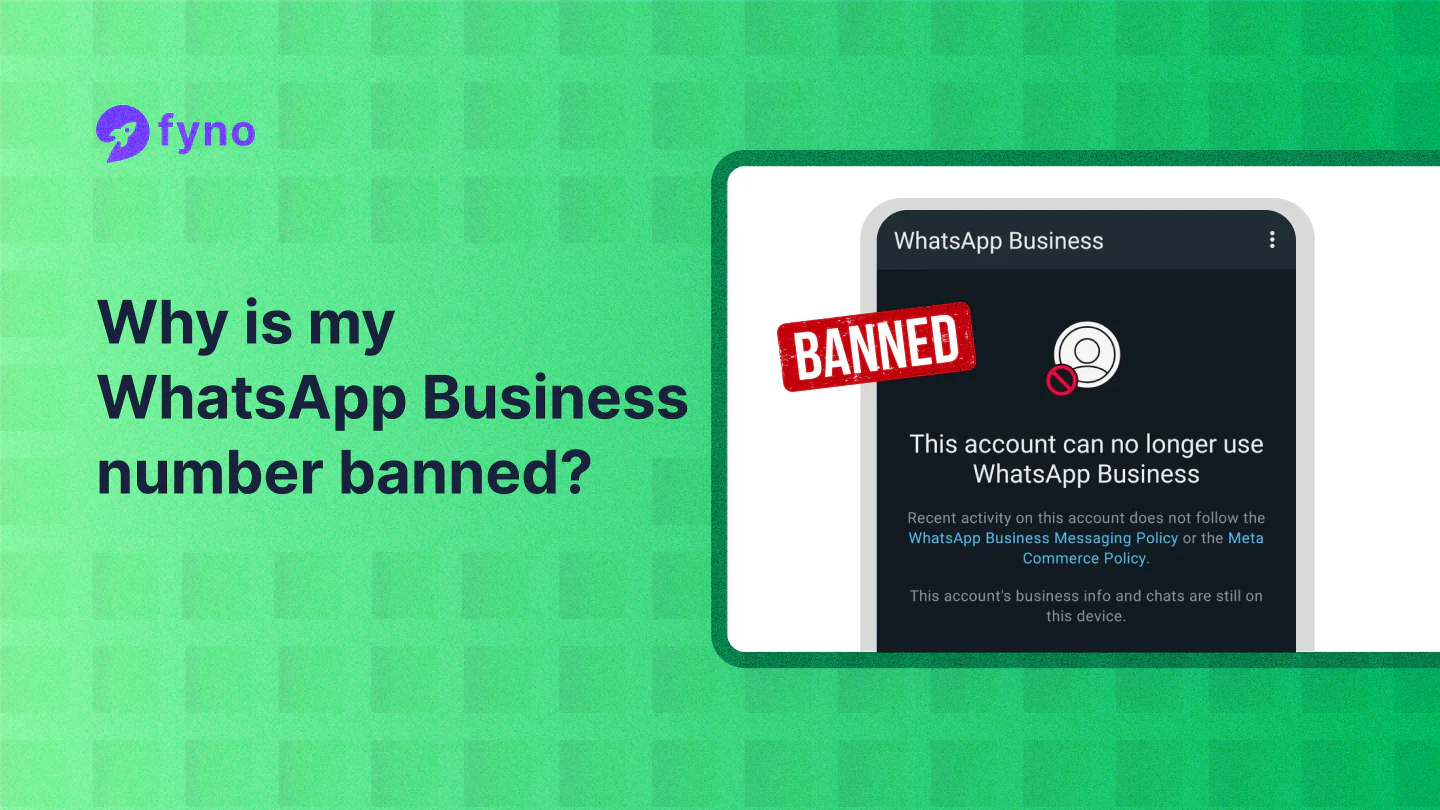
Understanding WhatsApp Business bans
WhatsApp takes user experience seriously.
They closely monitor WhatsApp business accounts to maintain platform quality. Here are the five main reasons why accounts get banned:
Sending spam messages: This is the most common reason for bans. Sending messages to users who haven't opted in to receive them is a big no-no. Even if you have someone's number, you need their permission before sending business messages.
Using unauthorized automation: While automation can be efficient, WhatsApp has strict rules about it. Mass messaging or using unapproved tools to automate conversations often leads to bans.
Business impersonation: Pretending to be another business or misleading customers about your business nature is strictly prohibited. This includes taking another brand's name or speaking on behalf of another business without permission.
Breaking platform policies: WhatsApp's business messaging policies exist for a reason. Breaking them, whether intentionally or not, can result in immediate account suspension.
Getting frequent user reports: When multiple users report your messages as spam or unwanted and ends up with higher undeliverability rates, WhatsApp takes action.
Suggested Read: 9 game-changing ways to use WhatsApp flows
Account restrictions vs. bans
Sometimes WhatsApp temporarily restricts your account instead of a complete ban. Think of it as a yellow card – a warning to improve your behavior before getting kicked out of the platform.
During a restriction, you can still chat with existing contacts and stay active in current groups. However, you won't be able to start new conversations, create groups, use WhatsApp on other devices, or reach out to new contacts.
Preventing account bans
Prevention is always better than cure. Here's how to maintain a healthy WhatsApp Business account:
Consent is paramount:
Make sure customers explicitly agree to receive WhatsApp messages from you. A simple "Yes, I want to receive updates on WhatsApp" checkbox during checkout or registration can save you from future headaches.
Keep your messages valuable and relevant:
Each message should serve a clear purpose – whether it's confirming an order, sharing shipping updates, or providing support. Avoid sending promotional content just because you can.
Stay within the guidelines:
Keep your business profile current with accurate contact information. When sending broadcast messages, stick to approved message templates. These aren't just formalities – they're safeguards that help maintain quality across the platform.
Recommended Read: How does WhatsApp template pacing work?
What to do if you're banned?
Found yourself banned? Here's your action plan:
First, request a review through the WhatsApp app by tapping "Request a Review" when you see the ban message.
Submit only one appeal – multiple requests won't speed things up and might actually delay the process.
While waiting for the review, audit your messaging practices and identify what might have triggered the ban. This reflection will help prevent future issues.
Dealing with account restrictions
When WhatsApp restricts your account, the timing is handled automatically. You don't need to contact support or take special actions. Simply wait for the restriction period to end – WhatsApp will notify you when it's over.
Use this downtime wisely. Review your messaging strategy, clean up your contact lists, and plan improvements for when the restriction lifts. Think of it as a chance to reset and refine your approach.
Moving forward
While account bans can be troublesome, they're preventable with the right approach. Focus on providing genuine value to your customers through thoughtful, relevant communications. Build your business messaging strategy on a foundation of respect – both for WhatsApp's policies and your customers' preferences.
Think of WhatsApp Business as a long-term channel for building customer relationships. It's better to grow your messaging presence slowly but sustainably than risk losing your account through aggressive tactics.
Remember, every customer who allows you into their WhatsApp inbox is giving you permission to connect with them. Honor that permission by delivering content that makes their lives better or easier.
Need help with your WhatsApp Business strategy? Leave a comment below, and we'll help you out!