Is push authentication safe for 2FA and MFA?
TL;DR
Push authentication is generally safe for 2FA and MFA, but only when implemented with the right safeguards. It reduces phishing risk compared to SMS or email in many cases, yet it can be vulnerable to MFA fatigue if users are bombarded with prompts. Use request limits, number matching, and clear context to keep it secure.
Introduction to two-factor authentication (2FA)
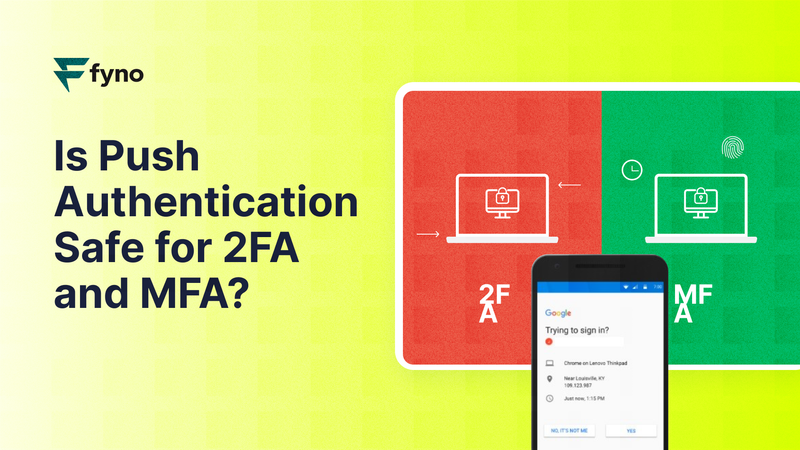
What is two-factor authentication, and why is it used?
Two-factor authentication (2FA) is a security process that requires two different types of authentication to validate your identity and grant access. The first factor is typically a password, and the second factor could be an OTP, an authenticator app code, biometrics, or a push approval. This extra step strengthens account security.
Benefits of implementing two-factor authentication
Strengthened security: Adds a layer beyond passwords, reducing unauthorized access.
Mitigation of data breaches: Helps prevent account takeovers even if passwords are compromised.
Enhanced account protection: Makes it harder to misuse stolen credentials.
Compliance with standards: Helps meet requirements such as PCI DSS or HIPAA.
Increased user trust: Signals you take account security seriously.
What are authentication factors in 2FA and MFA?
Authentication factors are the different methods used to verify a user’s identity. In 2FA, you use two factors; in MFA, you can use more than two. The point stays the same: you combine something the user knows (password) with something they have (device) or something they are (biometrics).
Common types of 2FA and MFA methods
SMS authentication: Uses text messages to send verification codes to your registered mobile number.
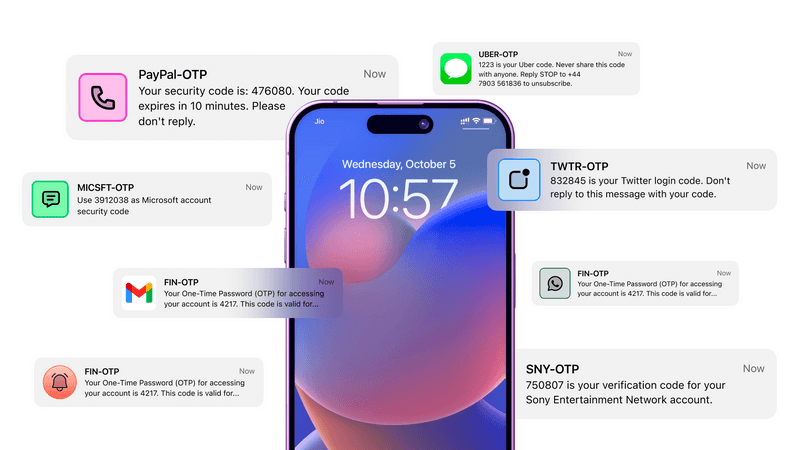
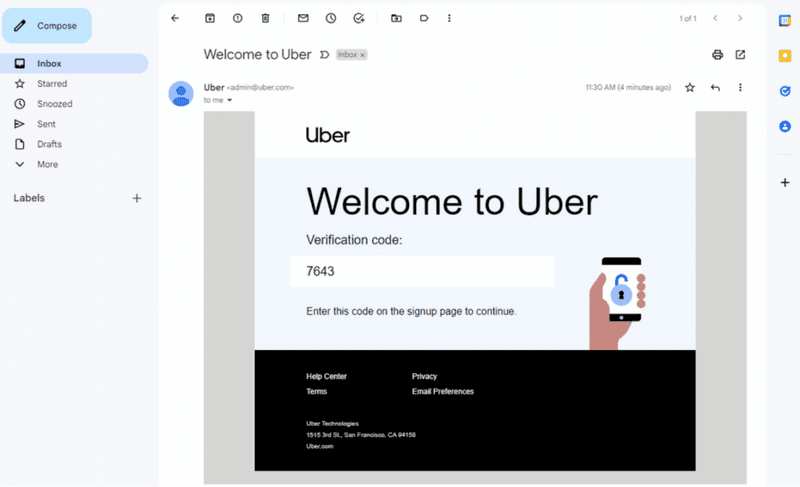
Email verification: Sends verification links or codes to your registered email address.
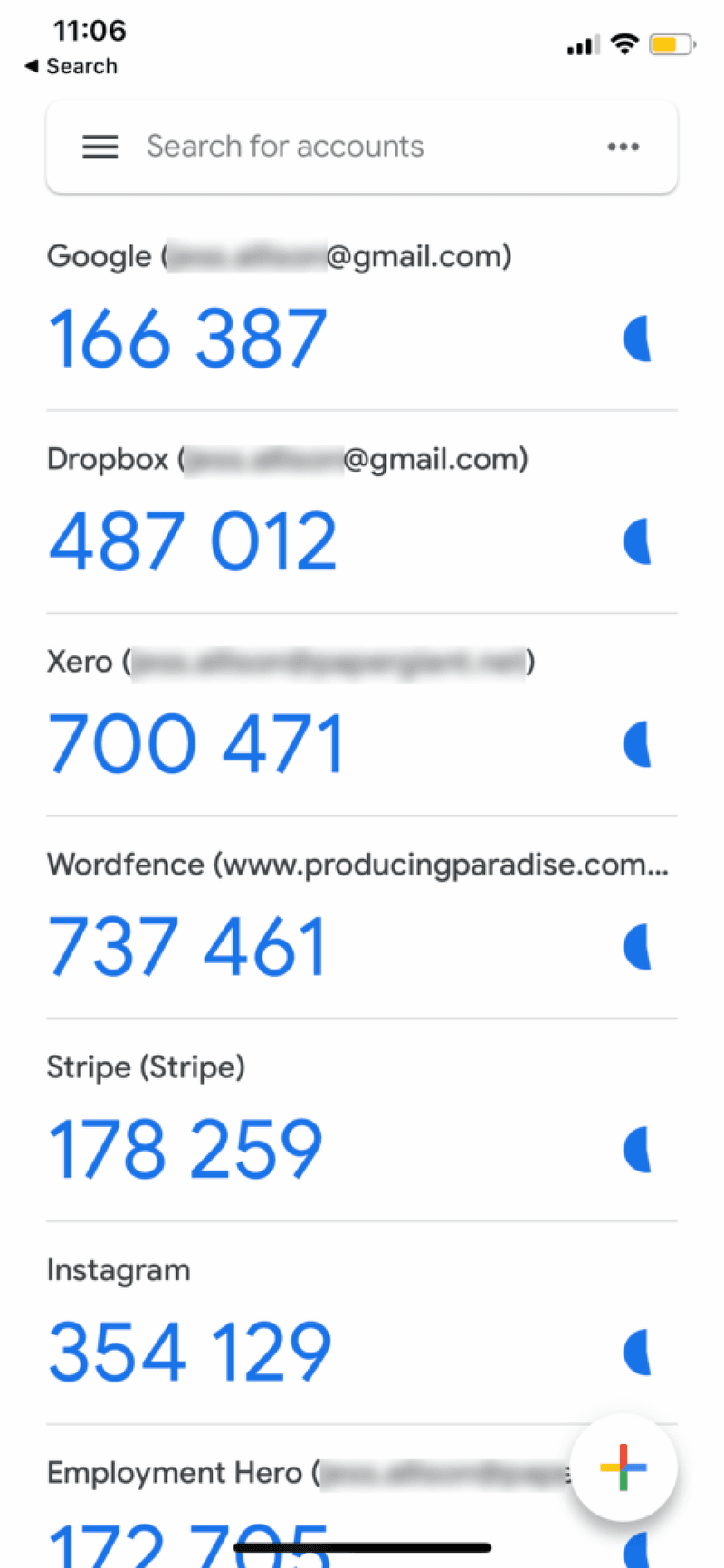
Authenticator apps: Generates time-based one-time passwords (TOTP) that keeps changing every 30–60 seconds. Some widely used Authenticator apps include Authy, Microsoft Authenticator, 2FAS, etc.
Biometric authentication: Uses fingerprints, facial recognition, or other biometric information to verify the identity. This type of authentication is used for banking operations, verifying your identity to register or renew government documents, getting new mobile numbers, etc.
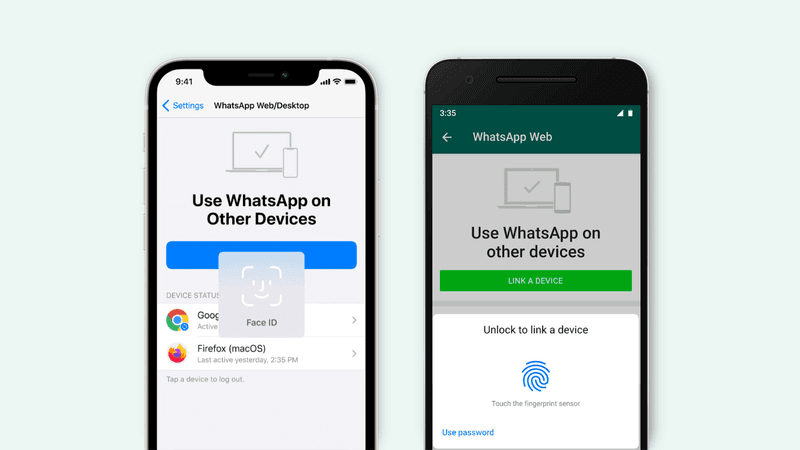
Hardware tokens: Physical USB-based authentication devices like Yubi key are used to verify identity.

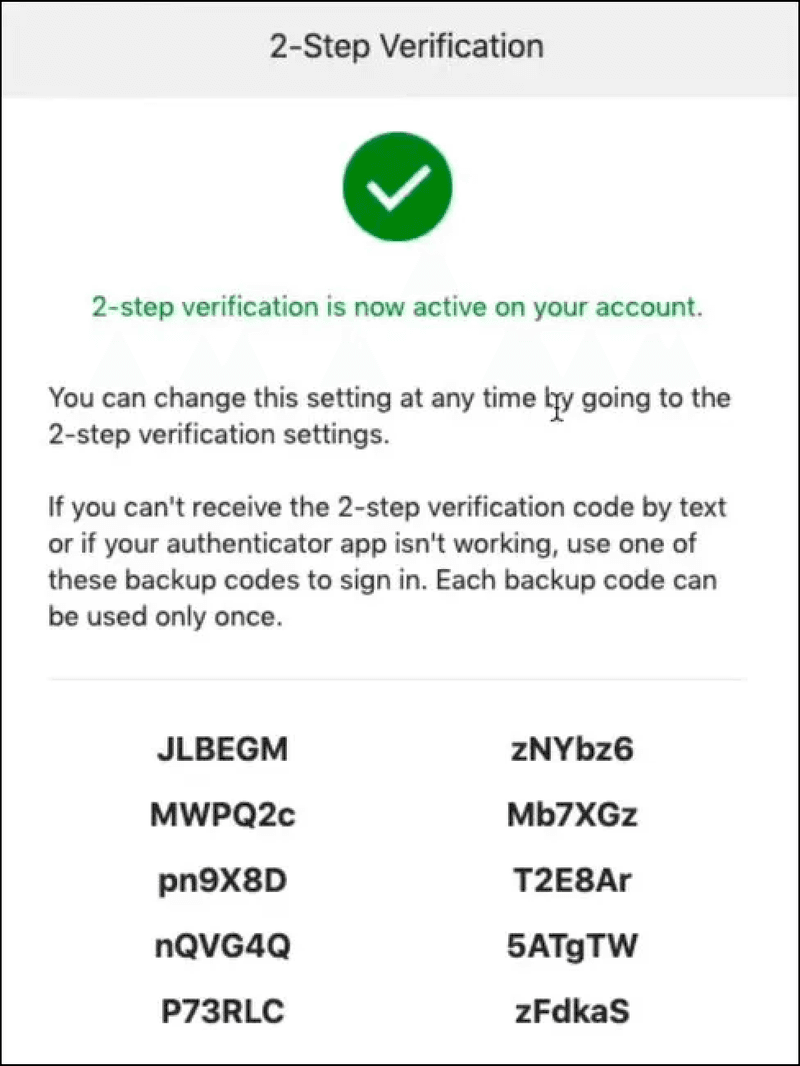
Push notifications: Sends a prompt to a user's device for approval. This method is commonly used by apps like Gmail, Telegram, and Microsoft Outlook.
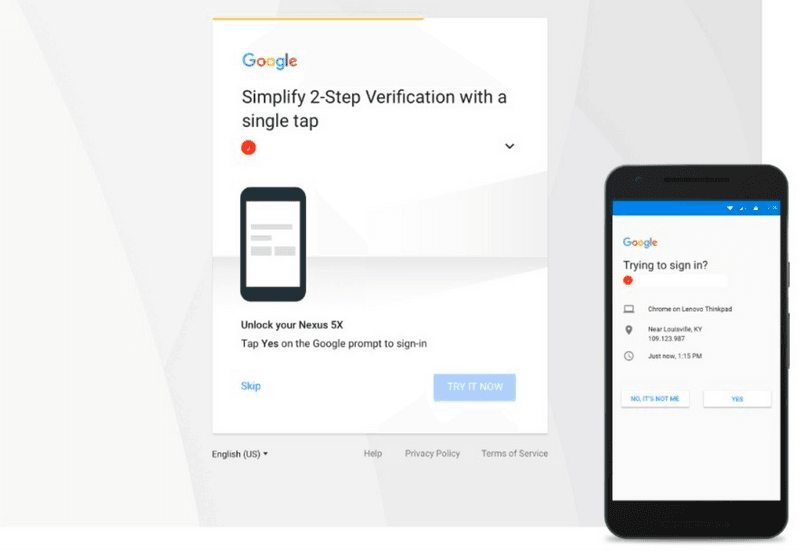
Backup codes: Pre-generated codes used as a backup method. A lot of apps use this method as a backup if none of your authentication methods work. The use of backup codes is highly common among privacy-focused apps, apps that come with E2E (End-to-end encryption), and crypto trading platforms.
Now that we’ve seen all the authentication methods, let’s zoom in on push authentication and how it protects users.
What is push authentication?
Push authentication is a method where a push notification is sent to a user’s registered device, prompting them to approve or deny an authentication request. Instead of typing a code, the user confirms the login with a tap, which can make authentication faster and more user-friendly.
How does push authentication work step by step?
Push authentication is a simple flow layered onto password login. After the user enters credentials, the system sends an approval request to a trusted device. The user confirms (or denies), and the system grants (or blocks) access based on that response.
Step 1: User enters username and password.
Step 2: After password validation, a push notification goes to the registered device.
Step 3: User approves the login attempt using the action button.
Step 4: System validates the response and grants access.Advantages and disadvantages of push authentication
Advantages
Convenience: Easy for users to approve or deny login attempts with a single tap.
Enhanced security: Reduces the risk of phishing attacks compared to SMS or email.
Seamless integration: Easily integrates with existing security systems and applications.
Disadvantages
Vulnerabilities and risks: Susceptible to certain types of attacks, such as MFA fatigue.
Potential for MFA fatigue attacks: Users may be subjected to MFA fatigue attacks where they get repeated authentication requests on their device, leading to accidental approvals.
Is push authentication secure in practice?
Push-based 2FA is generally secure, but it must be implemented properly to avoid vulnerabilities. The biggest practical risk is not “push itself,” but weak UX and weak controls: too many prompts, unclear context, and no friction against accidental approvals. Strong guardrails make push authentication meaningfully safer.
How to prevent MFA fatigue and push notification attacks
Limit authentication requests to prevent fatigue attacks
Attackers may spam push prompts hoping users approve one out of frustration. Set thresholds for how many push requests can be sent in a time window. If a threshold is hit, force a different method (like TOTP or a backup option).
Prevent MFA attacks with number matching and additional context
Use number matching (user enters a number shown on the login screen) and add context such as device info, time, or login reason. This reduces blind approvals.
Show application name and enable geographical location context
Display the application name and location of the login attempt so users can spot suspicious activity quickly.
Push authentication vs other 2FA methods: what should you choose?
Push authentication is often more user-friendly than code-based methods, but your choice should depend on sensitivity, threat profile, and operational realities. For many consumer and enterprise apps, push is a strong default if you add fatigue protections and contextual verification.
Push vs TOTP (authenticator apps)
TOTP requires the user to manually enter a rotating code, while push typically uses a tap to approve. Push often wins on usability. TOTP can be a strong alternative when you want fewer “approve” prompts and a more deliberate action.
Push vs SMS and email OTP
Push can avoid some risks that affect SMS and email OTP flows (especially when users are trained to blindly copy codes), while also improving speed. However, push still needs safeguards to avoid fatigue-based approvals.
Push vs biometrics and hardware tokens
Biometrics and hardware tokens can be stronger when you need very high assurance. Push can still be a practical choice, but it should be implemented with protections like limits, number matching, and context.
Use cases and best practices for push authentication
Industries benefiting from push authentication
BFSI (Banking, Financial Services, and Insurance): Push authentication adds another layer of security for account access, financial transactions, and user details updation.
Logistics and high-volume customer communication sectors: In these cases, push notification ensures secure access to sensitive data without paving way for unauthorized access.
Best practices for implementing push authentication
Educate users about fatigue attacks: Inform users about the importance of not approving suspicious requests.
Use number matching: Add an extra layer of verification by requiring users to match numbers.
Monitor and analyze: Continuously monitor authentication attempts and analyze for unusual patterns.
Future of authentication
Trends and innovations in authentication methods
The future of authentication is moving towards more secure and user-friendly methods, including passwordless authentication, location-based authentication, and authentication based on user behavior and patterns. While a lot of this is not being used widely, but we’ll see a lot of these over the next couple of years.
How Fyno can help you implement push authentication workflows
Fyno can help you integrate push authentication by connecting to your push notification platforms like Google FCM, OneSignal, or Apple APNs, and letting you set workflows that trigger authentication prompts for account access scenarios. The key benefit is centralized control: you can manage content, workflow, and integration from one place.
If you want to enforce best practices like request thresholds, step-up authentication after repeated failures, or switching to a backup method, those workflows can be designed as part of your authentication notification logic. (Exact implementation depends on your existing auth system and requirements.)
Conclusion: When push authentication is a good idea
Push authentication is a secure and user-friendly method for 2FA and MFA when implemented with the right guardrails. To mitigate MFA fatigue attacks, limit authentication requests, add number matching, and show clear context. If you want a simpler way to manage push integrations and workflows, Fyno can help centralize and streamline the implementation.
Comments
Your comment has been submitted