6 smart ways to cut WhatsApp msg costs under the new pricing model
TL;DR
WhatsApp’s pricing shift means you need to deliver the same experience with fewer paid messages. The good news: you can cut costs without sacrificing quality by bundling updates, using reply-triggered windows, auditing templates, maximizing ad entry windows, routing messages to the cheapest effective channel, and exploring MM Lite especially when these steps are automated through a platform like Fyno.
What changed in WhatsApp pricing on July 1, 2025 and why does it matter?
Meta moved WhatsApp Business messaging to a per-message (per template message) pricing model starting July 1, 2025. That shift forces product and engineering teams to rethink WhatsApp usage because “how many messages you send” now directly impacts budget—across both transactional and promotional communication.
Per-message billing means every message decision counts
WhatsApp messages—transactional and promotional—have become a key part of customer communication strategy for millions of enterprises across the country. With this pricing overhaul, decision-makers across sectors are re-evaluating their messaging strategy so they can maintain customer experience without overshooting budgets. 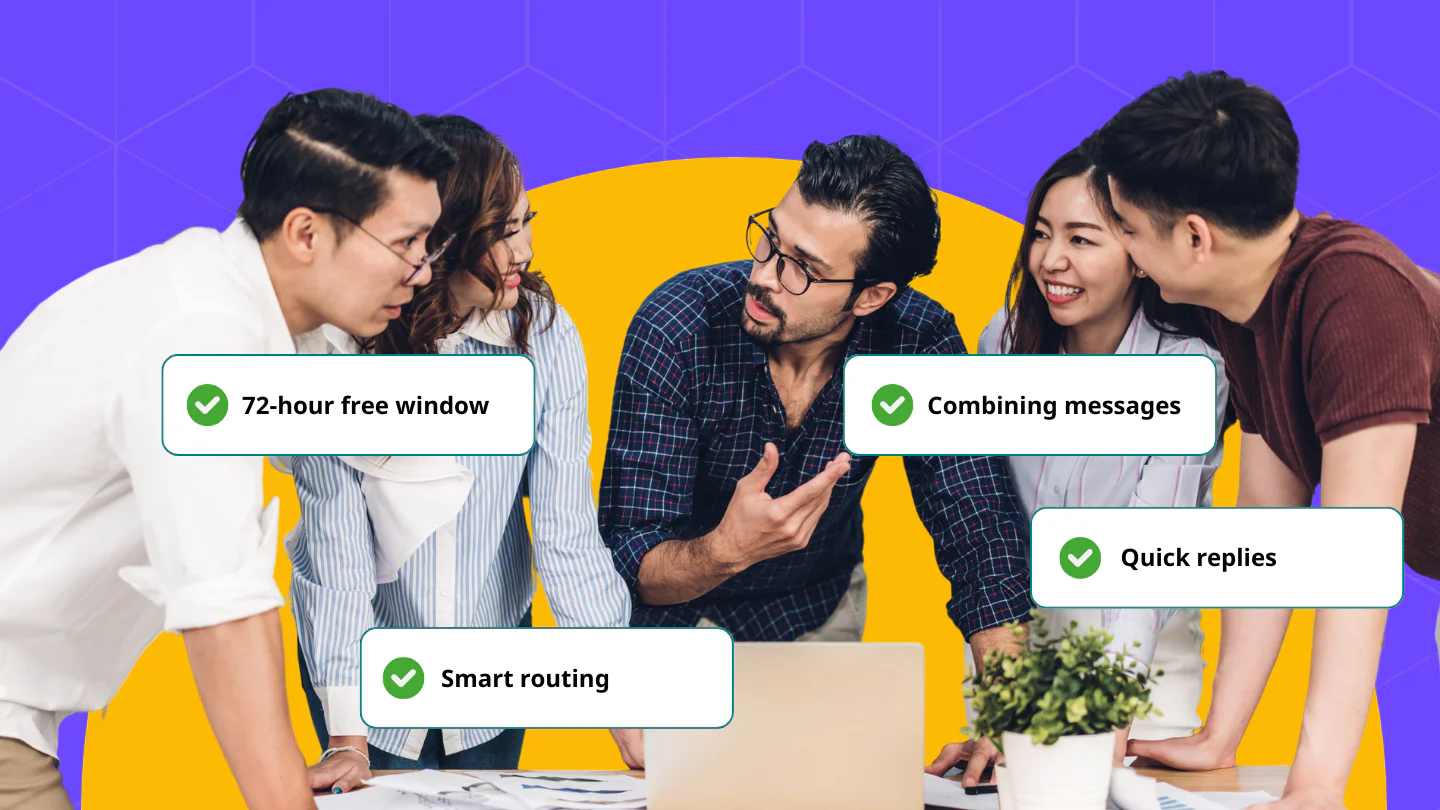
Can you cut WhatsApp message costs without hurting customer experience?
Yes. The fastest savings come from reducing unnecessary message volume and shifting more of your customer journey into WhatsApp’s free messaging windows—without lowering service quality. That’s exactly what the six strategies below are designed to do: keep outcomes the same (or better) while reducing paid message count.
But, is that possible?
Yes.
After Meta’s announcement, our team sat together and figured out six simple, yet effective strategies to help bring down WhatsApp messaging cost without compromising on the service quality.
Let’s look at them one by one.
What are the 6 smartest ways to cut WhatsApp message costs?
These six strategies reduce cost in two ways: (1) send fewer messages by design, and (2) time or structure conversations so more messages happen inside free windows. Together, they help you preserve the same customer experience while controlling spend under the per-message pricing model.
1. Combine multiple updates into a single message
If a customer makes multiple transactions within a time-frame, send them a combined message instead of sending them multiple updates, one for each transaction.
Let's say a customer is on a late night salary day shopping spree and places three orders within a span of 15 minutes. While you have to send order confirmation for each order, you can send shipping, tracking, and delivery information of all the items in one message that resembles something like this,
"Your orders 123, 124, and 125 are out for delivery today."
Fewer messages mean lower spend. It also offers a better customer experience.
2. Use quick replies to keep the free window open
When a user responds to your message, WhatsApp opens a 24-hour window where you can reply at no extra cost.
Prompt replies with buttons like [Yes] or [Track] after a transactional update to trigger that window. And, do it before the 24-hour window ends.
Here's an example.
"Your loan application is under review. Want updates? [Yes] [No]"
Once they reply, your window gets extended and you can send additional messages to your customers during that time.
3. Review your templates for hidden costs
Meta categorizes templates into three categories: utility, authentication, or marketing. Out of the three, marketing messages cost you the most.
And there are instances where Meta classifies utility messages as marketing messages.
So, the best way to stay on top of this and control your WhatsApp costs is to audit the templates regularly.
If some of your messaging templates are wrongly tagged as Marketing messages, tweak the wording and appeal and get it approved again.
4. Make the most of the 72-hour ad window
Click-to-WhatsApp ads and QR code scans unlock a 72-hour free messaging window.
This window is ideal for onboarding, FAQs, or lead nurturing.
But, remember that you'll have to stick to sending utility messages during this window to stay within the free bracket.
5. Use smart routing to send messages through multiple communication channels
Set up alternate cost-effective channels based on customer behavior and the scenario. Let's look at a few scenarios.
Let's say a customer is performing an action within your app. If the app is still open on their device, send them an in-app alert instead of a WhatsApp message.
Similarly, for messages that aren't heavy on media, try sending it as an SMS.
Another way to handle these scenarios is by setting up smart routing on Fyno. You can set up a workflow to monitor the delivery of WhatsApp messages. If the message not delivered, notify the customer via SMS. This will help you avoid sending the same message on multiple channels at once.
Bonus: Explore MM Lite for up to 10% lower marketing costs
WhatsApp's MM Lite APIs offer a more cost-effective route for certain message types. If you send high volumes of marketing messages, switching to MM lite APIs can bring you significant savings.
Stay smart. Stay ahead.
WhatsApp will continue to be a powerful channel for customer communication in the upcoming years.
With the new WhatsApp Business pricing model kicking in from July 1, 2025, it is essential to evaluate your entire WhatsApp messaging strategy to identify areas that can inflate your operating cost.
But, don't worry. There's still time.
Sit with your team, and make a plan to manage your WhatsApp messaging costs using the above mentioned strategies.
How do you automate these strategies with a platform like Fyno?
Each strategy above is simple to implement—but even more effective when it’s automated. That’s where a platform like Fyno fits: it helps teams operationalize routing, template management, and multi-channel orchestration so cost controls don’t rely on manual reviews or repeated engineering cycles.
Smart routing + workflow automation + template management in one place
As a Meta Tech partner, we help you streamline your entire customer communication strategy for WhatsApp and other communication channels. You can handle everything from smart routing to template management and multi-channel orchestration.
If you’re looking to streamline your WhatsApp strategy, or if you’re curious to see how Fyno works, schedule a quick walkthrough.
Getting started: a quick planning checklist for teams
Start with an audit-first rollout: identify what’s costing you the most today, then implement the highest-impact strategy in the shortest time. You’ll typically find quick wins in template categorization, bundled updates, and window-based flows—then expand into routing rules and automation once the basics are clean.
What to audit first (templates, journeys, windows, routing rules)
List top WhatsApp journeys by volume (updates, reminders, onboarding, promos)
Identify where you’re sending multiple messages that can be combined
Add quick replies to keep journeys inside the 24-hour service window where applicable
Audit templates for category misclassification and resubmit where needed
Design 72-hour window journeys for click-to-WhatsApp / QR entry flows
Add smart routing rules (in-app first when active, SMS fallback when WhatsApp fails)