TL;DR
If WhatsApp Business messages are stuck on “sent” or keep failing, the cause is usually one of four things: connectivity, app performance, account restrictions, or recipient/API filtering. The fixes below start simple (network + restart) and move toward business-grade reliability (delivery monitoring + failover using Fyno).
Why WhatsApp Business messages don’t get delivered?
When WhatsApp messages don’t deliver, it’s rarely “random.” Most failures come from unstable internet, an app glitch (outdated version, corrupted cache/data), account restrictions, or recipient-side constraints like blocks, no opt-in, or the user not being on WhatsApp. For API users, template rules and quality controls can also pause or limit delivery.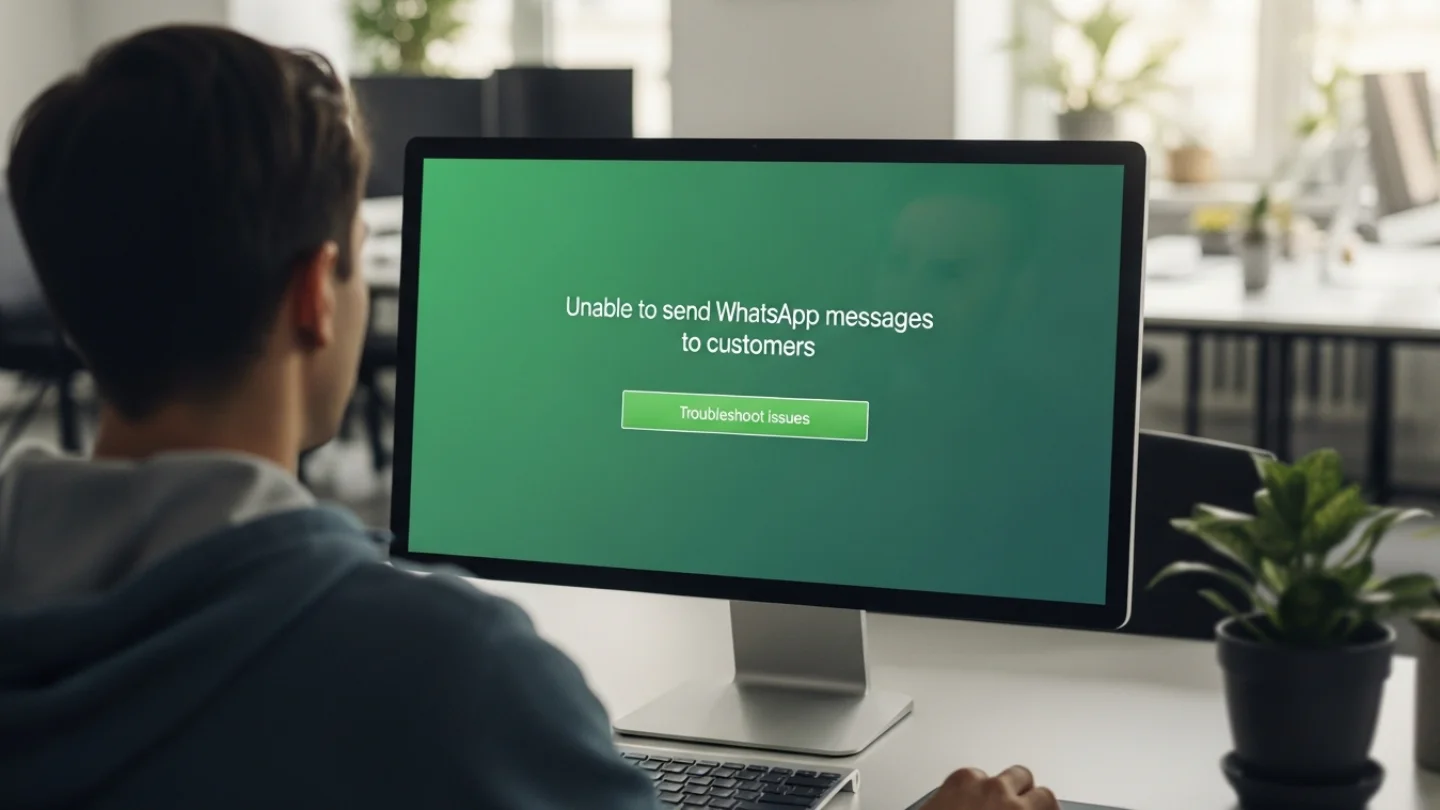
Sent but not delivered” what it usually means?
On the app side, “sent but not delivered” often points to connectivity gaps (yours or the customer’s), background restrictions, or the recipient being offline. On the API side, messages can be “accepted” by systems yet never reach the user due to formatting errors, missing webhooks/status handling, or policy/conversation-window enforcement.
Business App vs WhatsApp Business API: Where delivery can fail?
If you’re using the WhatsApp Business App, your biggest culprits are device settings, connectivity, and app health. If you’re using the WhatsApp Business Platform (Cloud API), you also need to watch conversation rules (templates vs free-form), status events, and template quality controls because a valid send attempt can still be rejected or paused depending on context.
Fix 1: Stabilise your internet connection
WhatsApp needs stable internet on both ends yours and the customer’s to move messages from “sent” to “delivered.” Start by testing and switching networks, then reduce packet loss and background throttling. For teams, consider prioritising WhatsApp traffic and adding backup connectivity so customer notifications don’t die during network dips.
Quick connectivity checklist
Toggle Airplane mode on/off, then retry
Switch between Wi-Fi and mobile data
Run an online speed test to confirm stability (not just speed)
If you’re on corporate Wi-Fi, confirm WhatsApp isn’t restricted by firewall rules
Network prioritisation and backup internet
Use QoS (Quality of Service) to prioritise WhatsApp Business traffic over lower-priority usage
Set up a failover connection (e.g., cellular backup) so operations continue if your primary ISP drops
Fix 2: Restart WhatsApp and update the app
If delivery suddenly breaks, a restart often clears temporary glitches especially after OS updates, app updates, or long uptime. Next, update the WhatsApp Business app: outdated versions can carry bugs or compatibility issues that show up as delayed delivery, stuck “sent,” or broken background behaviour.
Fast restart steps
Fully close WhatsApp Business (remove from recent apps)
Reopen it and resend a test message to a known number
Why updates matter?
Updates frequently include fixes for message sync, delivery, notifications, and reliability especially on newer OS versions where background rules change.
Fix 3: Clear cache/data and manage storage (without losing chats)
Corrupt cache/data and low storage can quietly break delivery and syncing. Start with cache cleanup, then move to deeper resets only if needed. For businesses, don’t skip backups because clearing app data can reset WhatsApp Business to a default state and may require re-verification.
Clear cache vs clear data
Clear cache: good first step for performance issues
Clear data: more aggressive reset when delivery issues persist
Backups before deeper resets
Run a fresh chat backup before clearing data or reinstalling
Keep storage healthy so WhatsApp can process media and background tasks smoothly
Fix 4: Resolve account-specific WhatsApp issues
If your account is misconfigured or restricted, delivery problems can persist even on perfect internet. Verify your number, check if your account has been flagged (e.g., spam-like behaviour or policy violations), and ensure your business profile info is accurate especially in regulated sectors like BFSI and logistics where trust and consistency matter.
Verify your phone number
Confirm your WhatsApp Business number is correctly registered and verified inside WhatsApp settings. This alone can resolve “messages not delivering” issues caused by partial setup.
Check if your account is restricted or banned
WhatsApp can restrict or ban accounts for violating terms (spam patterns or unauthorised third-party tools are common triggers). If you suspect enforcement, use WhatsApp’s official appeal/support flow and review recent sending patterns.
Stay compliant with WhatsApp policies
Keep opt-in clean, message content relevant, and frequency reasonable because repeated negative feedback can damage deliverability over time.
Fix 5: Overcome blocking and filtering challenges (especially for APIs)
If messages are consistently “sent” but never reach the customer, the issue may be on the recipient side (blocks, no WhatsApp account), or due to business messaging controls (templates, pacing, quality). For API teams, treat deliverability like observability: monitor status updates, watch template performance, and set alerts for drop-offs.
Check opt-in, block status, and “not on WhatsApp” scenarios
Common causes of delivery interruption:
The user blocked your number
The user never opted in (or expectations weren’t clear)
The user is not on WhatsApp (number not registered)
Template pacing and quality signals (Meta)
Meta uses template pacing to slow/pause new or modified templates based on early feedback and engagement signals. If customers block messages or engagement is low, templates can be paused, which looks like “sends” that don’t turn into real deliveries at scale.
Monitor delivery reports and webhook events
For WhatsApp Business API/Cloud API, ensure you’re correctly capturing delivery lifecycle status updates (e.g., delivered/read/failed) via webhooks or your provider’s event system otherwise you may miss the real reason behind “not delivered.”
Fix 6: Fix device settings that silently delay WhatsApp
WhatsApp can look “broken” when the real issue is your phone restricting background activity. Battery saver, power optimisation, Focus/Do Not Disturb modes, and disabled background refresh can delay syncing so messages appear stuck until the app is opened.
Disable battery saver / power saving restrictions
Power-saving modes often restrict background data and notifications. For business devices, this can directly cause delayed or missing message delivery when WhatsApp isn’t open.
Enable background refresh and notifications (iOS/Android)
iOS: confirm Background App Refresh and notification permissions
Android: remove WhatsApp from aggressive battery optimisation and allow background data
Reset network settings
If connectivity is consistently unstable despite good Wi-Fi/data, a network settings reset can clear DNS/APN/proxy issues that prevent reliable delivery.
Recommended Read: Here’s why you should work with Meta instead of your BSP.
Fix 7: Leverage Fyno to prevent missed deliveries (routing + failover)
If WhatsApp is a critical customer channel, you don’t want delivery to depend on one path. Fyno helps businesses reduce “message not delivered” incidents by adding routing logic, automated failover, unified channel management, and near real-time fallbacks so important alerts still reach customers even when WhatsApp doesn’t.
Smart routing flows and opti-channel fallbacks
If WhatsApp delivery fails (connectivity, user constraints, pacing), Fyno can reroute messages via SMS or another predefined channel without manual intervention—especially useful for transactional messaging where timing matters.
Failover protocols for critical BFSI/logistics notifications
In BFSI (transaction alerts) and logistics (shipment updates), a delayed message is often a failed experience. Fyno’s failover protocols are designed to kick in automatically when delivery issues occur, improving reliability for time-sensitive notifications.
Unified notification API and no-code workflows
Fyno consolidates multiple channels under a unified API and supports a no-code workflow builder, letting teams design tailored WhatsApp flows and fallback strategies without heavy engineering effort.
Recommended Read:WhatsApp flows for businesses: A complete guide.
Prevent WhatsApp delivery issues going forward
Reliable delivery is a system, not a one-time fix. Standardise device settings, monitor delivery statuses, and build redundancy for critical messages. For API teams, treat templates like assets: track engagement, manage quality signals, and set alerts for sudden delivery drops (by template, provider, region, or cohort).
Proactive checklist for teams
Keep WhatsApp Business updated across devices
Enforce “no battery saver” policy on frontline/corporate devices
Use delivery monitoring (statuses + alerts)
Maintain strict opt-in/opt-out hygiene
Add fallback routing for critical messages (e.g., WhatsApp → SMS)
Recommended Read: WhatsApp flows for businesses: A complete guide
Conclusion
When WhatsApp Business messages don’t deliver, it impacts more than convenience it affects trust, SLAs, and customer experience. Start with the basics (internet + restart), fix the foundations (account + settings), then move into operational reliability (monitoring + failover). For high-stakes industries like BFSI and logistics, resilience beats hope build delivery paths that don’t collapse when WhatsApp does.