

Configuring Endpoint - HTTP
Configuring Endpoint - HTTP
After adding and verifying the HTTP allowlist, click Next to configure endpoint settings.
Configure Endpoint
The Configure Endpoint section allows you to define how delivery reports are received, how request parameters are passed, how encryption is handled, and how requests are authenticated for the endpoint.
You can enable the Use this endpoint to receive delivery reports toggle to convert the allowlisted URL into a delivery reporting endpoint.
 Once enabled, Fyno sends notification delivery status updates to the configured endpoint URL.
Request Method (HTTP)
You can configure the endpoint using one of the following request methods:
Select the request method from the dropdown next to the endpoint URL.
Endpoint URL
Enter the destination endpoint URL where delivery reports should be sent.
Headers
The Headers section allows you to configure one or more HTTP request headers that will be included with every delivery report request.
Headers are commonly used for:
- Authentication
- Authorization
- API access control
- Custom metadata transmission
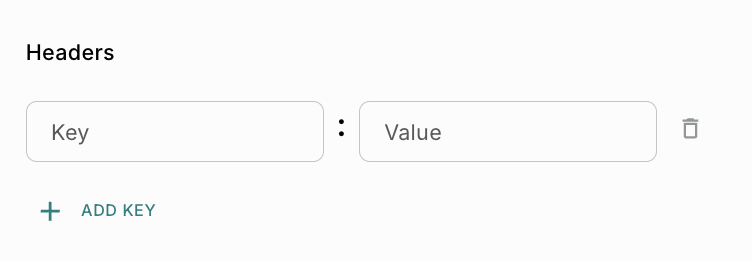
Header Fields
Use Add Key to configure multiple headers.
If your endpoint requires an OAuth access token, use the OAuth section instead of adding the token manually as a header.
Query Parameters
The Query Parameters section allows you to append additional query parameters to the endpoint URL. This is commonly used with the GET request method.
Query parameters can be used to:
- Pass metadata
- Send identifiers
- Route requests
- Configure webhook handling logic
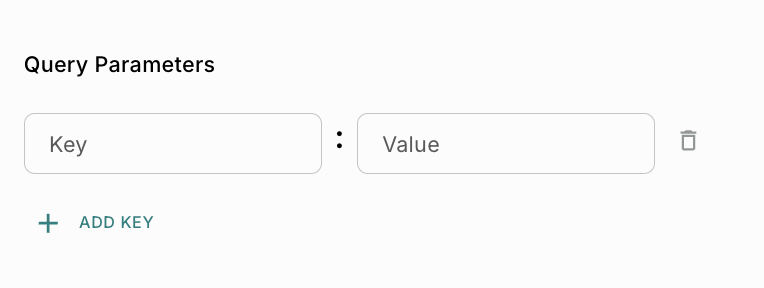
Query Parameter Fields
Use Add Key to configure multiple query parameters.
Encryption
The Encryption section allows you to secure request and response data exchanged between Fyno and your configured endpoint.
 This feature is useful when sensitive delivery report information must be protected during transmission or when the receiving system expects encrypted payloads.
Fyno supports two encryption capabilities:
Key Level Encryption
Use Key Level Encryption when specific request fields contain sensitive information such as identifiers, tokens, customer data, or metadata that should not be transmitted in plain text.
 When enabled, Fyno encrypts only the selected keys before sending the request to the configured endpoint.
How It Works
- Select the encryption algorithm.
- Choose the output encoding format.
- Configure the encryption key and IV strategy.
- Select the request fields that should be encrypted.
- Fyno encrypts only the selected fields before transmitting the delivery report.
- Non-selected fields remain unchanged.
Key Level Encryption Fields
Encryption Method
The available encryption methods depend on the encryption standards supported by your endpoint configuration.
Example Supported Method:
Note: The values shown in the UI are examples and may vary based on the configured encryption setup._
Encoding
The encoding format defines how encrypted binary data is represented during transmission.
Example Supported Formats:
Note: Available encoding options may vary depending on the selected encryption method._
Encryption Key
The Encryption Key is the symmetric cryptographic key used during encryption. For algorithms such as AES-256, the encryption key must meet the required key length and format supported by the selected encryption standard.
Fyno allows you to select encryption keys that are securely managed through the Secrets configuration.
To Know More
Encryption keys are fetched from the configured Secrets section in Fyno. Secrets can be used to securely store and manage:
- Encryption keys
- API credentials
- Access tokens
- Secret tokens
- Sensitive configuration values
IV Strategy
The IV strategy determines how the Initialization Vector (IV) is generated and used during encryption.
Example Supported Strategies:
Note: Supported strategies may vary depending on the selected encryption method.
Initialization Vector (IV)
The Initialization Vector (IV) is a cryptographic input used during the encryption process to improve security and prevent identical plaintext values from generating identical encrypted outputs.
- Fixed IV: When a fixed IV strategy is selected, a predefined IV value is used for all requests. You must configure the IV manually. This approach is useful when the receiving system expects a static IV.
- Random IV: When a random IV strategy is selected, Fyno generates a new IV dynamically for each request. This improves cryptographic security by ensuring encryption randomness. This is recommended unless the destination system requires a fixed IV.
Selecting Keys for Encryption
The Select Keys field allows you to choose which request fields should be encrypted before the delivery report is sent.
Supported request fields may include:
- Request headers
- Query parameters
- Payload attributes
Only the selected fields are encrypted before transmission.
Example:
Original Payload:
Encrypted Payload:
Response Decryption
Use Response Decryption when the configured endpoint returns encrypted response data and you want Fyno to decrypt and store the readable response.
 Once enabled, Fyno decrypts the response using the configured decryption settings before storing or processing the data.
How Response Decryption Works
- The endpoint returns encrypted response data.
- Fyno applies the configured decryption method.
- The decrypted response is parsed and stored in Fyno.
Response Decryption Fields
Encryption Method
The available decryption methods depend on the encryption standards used by the destination endpoint.
Example Supported Method:
Note: The values shown in the UI are examples and may vary based on the configured encryption setup.
Encoding
The encoding format defines how encrypted response data is decoded before decryption.
Example Supported Formats:
Encryption Key
The decryption key is used to decrypt encrypted response data returned by the configured endpoint. The configured key must match the encryption key used by the destination system.
:::info To Know More Decryption keys are managed through the Secrets section in Fyno. Secrets provide centralized and secure management for reusable sensitive values across configurations. The keys displayed in the UI are examples and may differ based on your workspace configuration. :::
Salt Key
The Salt Key is an additional random value used during cryptographic operations to strengthen encryption security.
Salt values help:
- Prevent predictable encryption outputs
- Improve resistance against replay attacks
- Add additional randomness during decryption
Note: The salt key must match the value used by the destination endpoint._
Response Type
The response type determines how the decrypted response should be interpreted after decryption.
Example Supported Response Types:
Note: Available response types may vary depending on the endpoint response format.
Additional Configuration Options Available for POST Method
The following configuration options are available specifically when the POST method is selected for an endpoint. These settings help customize how payloads are sent, formatted, and secured before delivery.
Body Payload Options
The Body Payload section defines the structure and format of the request body sent to the configured endpoint.
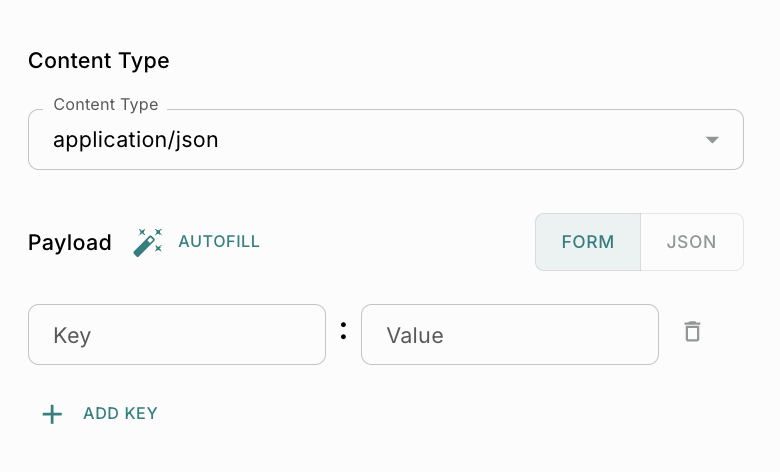
Content Type
Select the content type for the outgoing request payload.
Body Encryption
The Body Encryption section allows you to encrypt the complete request payload before it is sent to the configured endpoint. This helps secure sensitive data during transmission and ensures that only the intended receiver can decrypt and read the payload.
Enable Body Encryption
Use the toggle at the top of the section to enable or disable payload encryption.
 When enabled:
- The complete request body is encrypted before transmission.
- Additional encryption-related configuration fields become available.
- The receiving endpoint must decrypt the payload using the same encryption settings.
Encryption Method
The Encryption Method field defines the cryptographic algorithm used to encrypt the request payload.
Request Type
The Request Type option defines how the encrypted payload is sent in the HTTP request body after encryption is completed. It controls the final structure of the outgoing request.
Two request types are available:
- Text
- JSON
Text Request Type
When Text is selected, the encrypted payload is sent as a plain encoded string in the request body. The request body contains only the encrypted value without any additional JSON structure.
Example
Encrypted Payload:
Final Request Body
Characteristics
When to Use
Use the Text request type when:
- The receiving endpoint expects raw encrypted content.
- A lightweight payload structure is required.
- Integrating with systems that process plain encrypted strings.
- JSON formatting is unnecessary.
Advantages and Considerations
JSON Request Type
When JSON is selected, the encrypted payload is wrapped inside a JSON object before being sent. This allows the encrypted content to be transmitted as part of a structured request body.
Example
Encrypted Payload:
Final Request Body
When to Use:
Use the JSON request type when:
- The receiving API expects JSON-formatted requests.
- Additional metadata may need to be included later within the same object.
- Working with modern REST APIs or webhook integrations.
- Structured request handling is preferred by the target server.
OAuth
The OAuth section allows you to authenticate delivery report requests using an OAuth access token. Use this when the configured endpoint only accepts requests that carry a bearer token obtained through OAuth.
Instead of generating and passing the token yourself, you select a saved OAuth configuration, and Fyno obtains the token and includes it with every request sent to the endpoint.
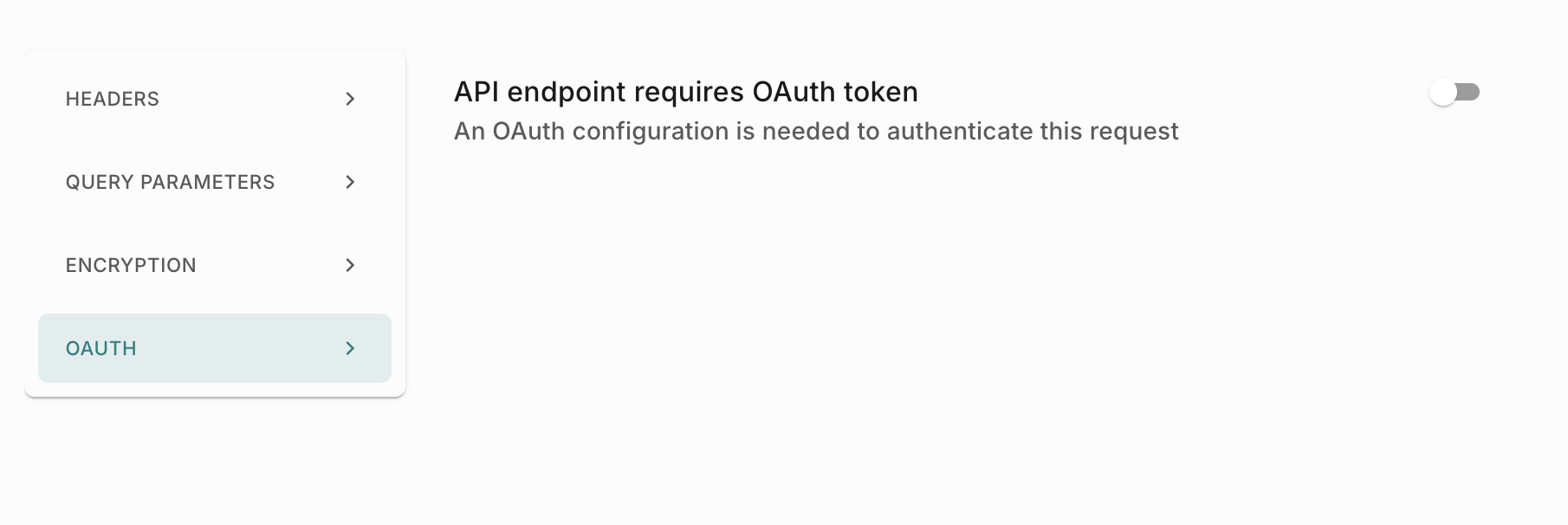
Enable OAuth
- Select the OAuth tab in the Configure Endpoint section.
- Turn on the API endpoint requires OAuth token toggle.
- From the OAuth Configuration dropdown, select the OAuth configuration to use for this endpoint.
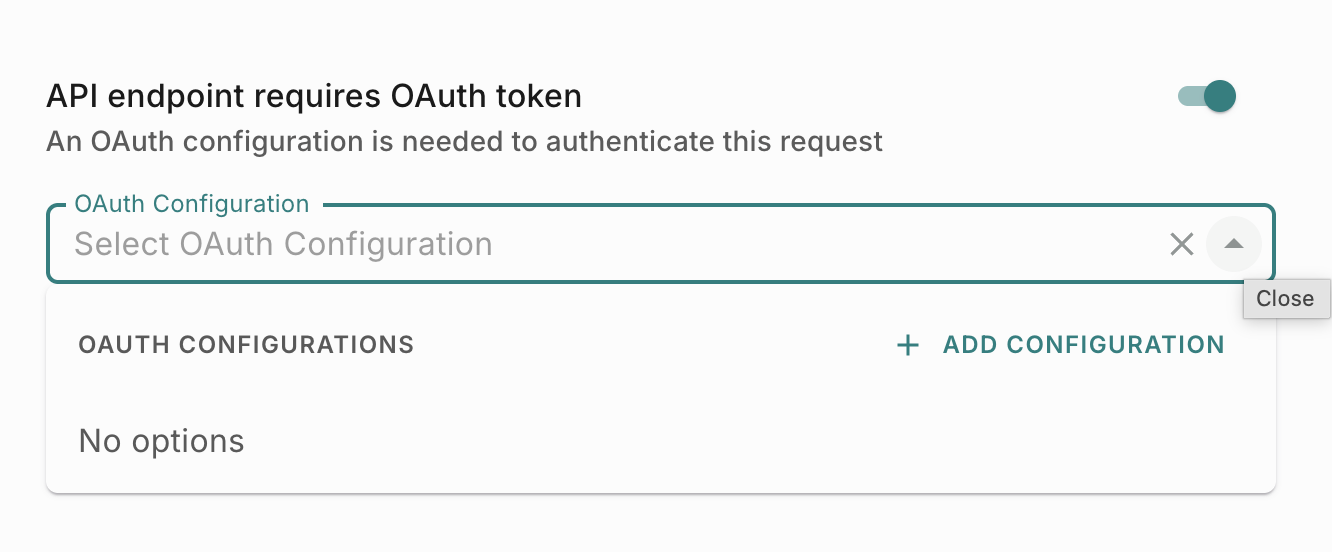
If you haven’t created an OAuth configuration yet, the dropdown shows No options. Select + Add Configuration to create one.
How It Works
- Before sending a request to the endpoint, Fyno requests an access token from the Token URL defined in the selected OAuth configuration.
- Fyno sends the request to the endpoint with the access token included as a bearer token.
- The endpoint validates the token and processes the request.
OAuth Fields
Note: OAuth configurations are created and managed under Workspace Settings > Security > OAuth Configuration. Currently, only the Client Credentials grant type is supported.
To Know More
An OAuth configuration stores the Token URL, Client ID, Client Secret, and any optional Scope, Audience, or custom headers required by your OAuth provider. The Client ID and Client Secret are selected from Secrets, and a single configuration can be reused across multiple allowlisted endpoints that share the same credentials.
Refer to the OAuth Configuration documentation to learn how to create, test, and manage OAuth configurations.