

Configuring Endpoint - SQS
Configuring Endpoint - SQS
The Configure Endpoint section allows you to configure how delivery reports are sent to the specified endpoint. This includes payload formatting, request configuration, and encryption settings for securing request data during transmission.
The available options and configurations may vary depending on the selected endpoint type and integration requirements.
Enable Endpoint Configuration
Enable the Use this endpoint to receive delivery reports toggle to activate endpoint configuration.
Once enabled, you can configure:
- Endpoint URL
- Body Payload
- Encryption settings
Body Payload
The Body Payload section defines the structure and format of the request body sent to the configured endpoint.
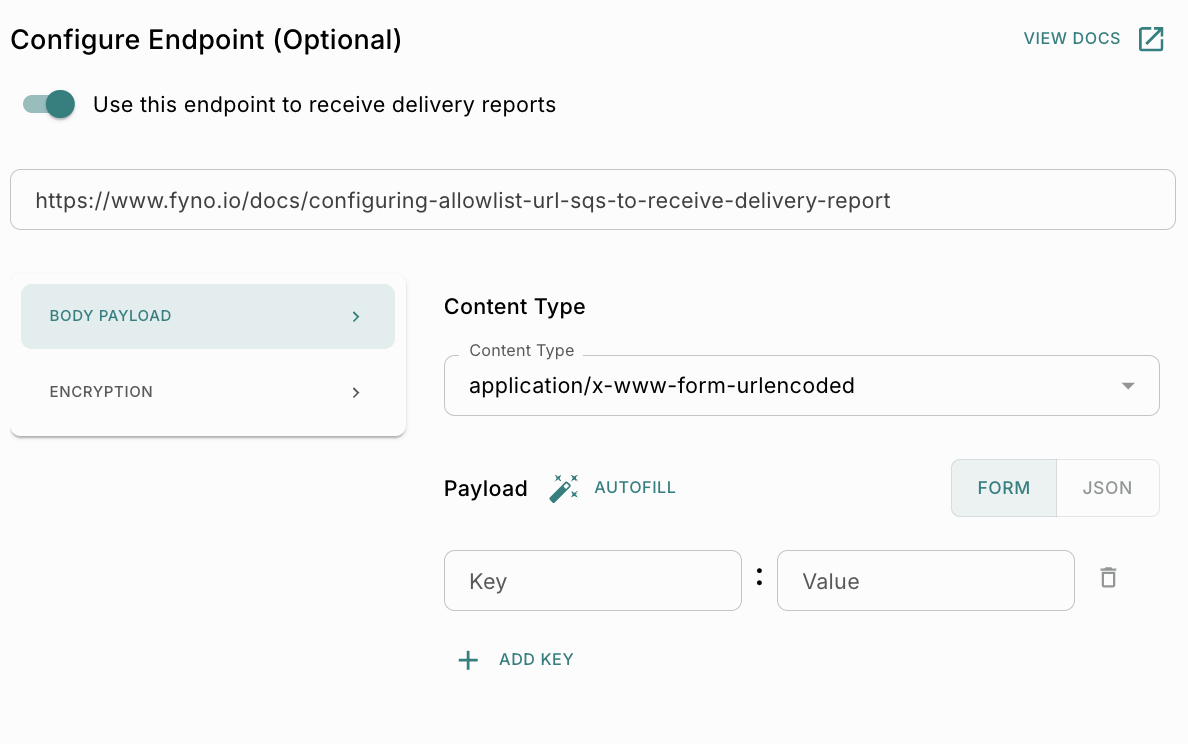
Content Type
The Content Type field specifies the format of the outgoing request payload. Supported content types may vary depending on the endpoint configuration and payload format.
Payload Format
The payload can be configured using one of the following formats:
Payload Fields
Payload fields allow request parameters to be added as key-value pairs.
Use Add Key to include additional payload parameters.
Autofill
The Autofill option automatically maps available delivery report fields into the payload configuration. This helps simplify payload setup and reduces manual mapping effort.
Encryption
The Encryption section provides options to secure request data before transmission. The following encryption modes are available:
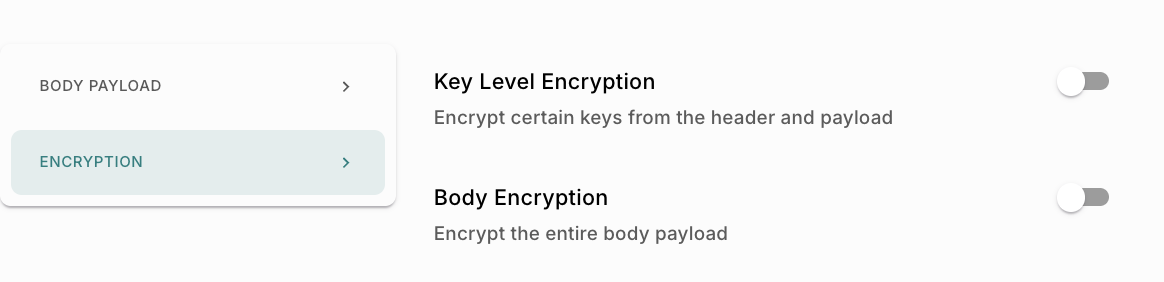
Fyno allows you to select encryption keys that are securely managed through the Secrets configuration.
:::info To Know More Encryption keys are fetched from the configured Secrets section in Fyno. Secrets can be used to securely store and manage:
- Encryption keys
- API credentials
- Access tokens
- Secret tokens
- Sensitive configuration values
Refer to the Secrets documentation to learn how to create and manage reusable secure keys. The keys displayed in the UI are examples and may differ based on your workspace configuration. :::
Key Level Encryption
The Key Level Encryption option encrypts only selected payload or header fields instead of encrypting the entire request body. Enable the toggle to activate key-level encryption.
Purpose
Key-level encryption is useful when:
- Only specific fields contain sensitive information
- Certain payload fields must remain readable in plaintext
- Partial encryption is required by the receiving system
Payload and Body Encryption Configurations
Request Type
The Request Type option defines how the encrypted payload is transmitted in the outgoing request.
Text Request Type
When the Text request type is selected:
- The request body contains only the encrypted payload.
- The payload is transmitted as encoded text.
- No additional request structure is included.
This option is useful for integrations expecting raw encrypted content.
JSON Request Type
When the JSON request type is selected:
- The encrypted payload is wrapped inside a JSON structure.
- The request body follows a structured format.
- Additional metadata can be included if required.
NOTE: This option is commonly used for APIs and webhook integrations expecting JSON payloads.